Quick answer
Slow charging often happens because the charger is too weak, the laptop is using a lot of power while plugged in, the battery is hot, or the battery is old enough that it no longer accepts charge efficiently.
Charging speed guide
If your laptop charges much more slowly than before, or takes hours to gain only a small percentage, the cause is often a mix of charger power, laptop temperature, battery age, and what the system is doing while plugged in.
This guide focuses on slow charging specifically, which is different from a battery that is not charging at all. The goal is to help you decide whether the slowdown is normal, fixable, or a sign of battery wear.
Battery safety: If the battery is swollen, dangerously hot, leaking or physically damaged, shut down, disconnect the charger if safe, and stop using the laptop, including on AC power. Do not press, puncture or open the battery pack; arrange manufacturer or qualified service.
Quick answer
Slow charging often happens because the charger is too weak, the laptop is using a lot of power while plugged in, the battery is hot, or the battery is old enough that it no longer accepts charge efficiently.
Power source
A charger can power the laptop and still be too weak to charge it quickly. This is especially common with USB-C chargers that were designed for smaller devices or with replacement adapters that do not match the laptop’s original wattage.
If charging speed is poor even at idle, start by confirming the adapter wattage and cable quality.
Temperature
Charging creates heat, and heavy workloads create more. If the laptop is hot while charging, the system may slow down charging to protect the battery.
If the fan is loud, the palm rest feels warm, or charging slows most during heavy use, check the Laptop Overheating Fix guide.
Background load
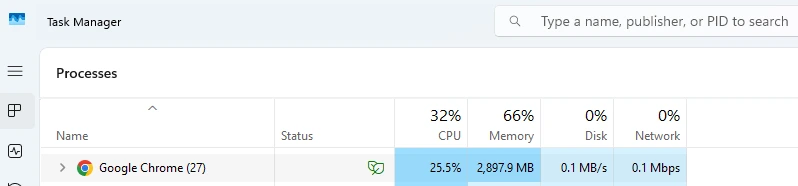
If the laptop is busy with updates, browser tabs, meetings, syncing, exports, or games, a lot of incoming power gets used immediately instead of filling the battery. That makes charging look slow even when the charger is technically working.
If you want to reduce that everyday drain, the Improve Laptop Battery Life guide covers the most useful power-saving changes.
Battery age
Older batteries can charge more slowly and less predictably. If the battery is already worn, charging speed may fall even when the charger is correct.
Use the Battery Health Check Laptop tool and the guide on how long a laptop battery should last to compare age, wear, and charging behavior together.
Charging limits
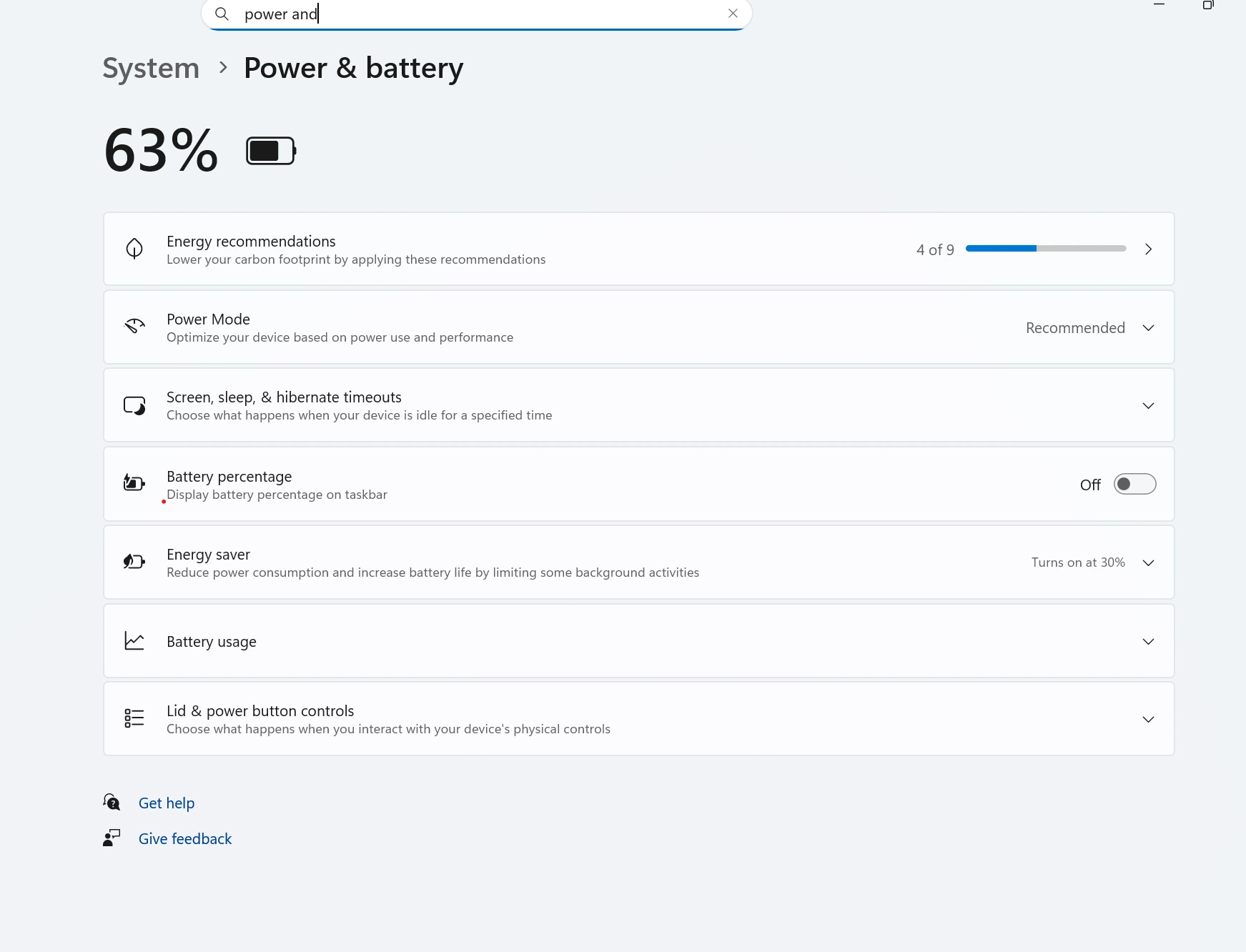
Some laptops deliberately slow or stop charging near 60% or 80% to protect long-term battery lifespan. That can feel like a problem if you do not know the setting is enabled.
Check your laptop maker’s battery settings before assuming the battery is failing.
USB-C limits
USB-C charging only works well when the charger, cable, and laptop all support enough power delivery. A weak cable or low-watt adapter can make the battery charge very slowly or barely climb at all while the laptop is in use.
Improve speed
Slow charging can come from a weak charger, USB-C power limits, heavy background load, overheating, charging caps, or an aging battery that no longer accepts power normally.
Yes. If the charger wattage is too low, the laptop may run but charge very slowly, especially during heavy use.
Yes. Some laptops reduce charging speed when internal temperatures rise too high in order to protect the battery and internal components.
Yes. Older batteries can accept charge less efficiently and may show slow or inconsistent charging, especially when combined with wear or heat.
USB-C charging can feel slower if the adapter, cable, or port does not support enough wattage for the laptop. Some USB-C chargers are fine for phones and tablets but too weak for a full laptop load.
Use the correct charger, reduce heavy background activity, keep the laptop cool, and check whether charging limits or battery protection settings are active. Those steps solve a large share of slow charging complaints.